
Peripheral Level Integration Boundaries in Cash: Who Owns the Kiosk Driver, SDK and Port Map?
Peripheral level integration boundaries in cash kiosks decide who ships the driver, who pins the SDK version, and who owns the COM port map. Assign driver provenance, SDK package, port map, compliance artefacts and firmware baseline to a named party before the purchase order, or every enumeration failure after deployment becomes an argument instead of a fix.
What Kiosk Peripheral Integration Actually Covers
Definition. Kiosk peripheral integration driver SDK ownership is the allocation of every artefact at the cable boundary between the enclosure and the application: the driver package and its signing chain, the vendor SDK and its pinned version, the COM port and device path map, the enumeration behaviour under load, and the firmware baseline the unit ships with. It ends where the application begins.
That boundary matters because a self-service kiosk OEM ODM usually supplies a working unit, not a working application. Payment kiosk system integration is commonly described as a three-layer architecture of hardware, middleware and application, with API docking handled at the top layer ([1]). Each layer owns different artefacts, and the hand-off between them is where ownership goes unstated.
The Three Layers Where Ownership Gets Ambiguous
Hardware layer. What lives here: the module itself, its physical bracket, cabling, power budget and the firmware burned at the factory. Typically owned by the hardware supplier. This is the layer most purchase orders describe in detail.
OS and driver layer. What lives here: kernel drivers, signing certificates, USB hub topology, COM port assignment and device path stability. Typically owned by nobody on paper. This is the layer that produces the kiosk OEM vs software vendor responsibility disputes.
Application layer. What lives here: the SDK calls, the transaction logic, the error handling when a module drops off the bus, and the logging that proves what happened. Typically owned by the software vendor, but only for code the vendor actually wrote.
The ambiguity is structural: driver and SDK ownership sits between two contracts that each assume the other party covers it.
Driver, SDK and Port Map: Who Owns What
| Artefact | Hardware supplier | Software vendor | Agreed with |
|---|---|---|---|
| Driver provenance (vendor, version, signing chain) | Ships the vendor driver package | Verifies it installs and signs under the target OS | |
| SDK package and version | Provides the module vendor SDK and release notes | Pins the version in the application build | |
| Port map and device enumeration | Publishes the factory COM port assignment and USB topology | Handles re-enumeration and rebinding in code | |
| Compliance artefacts (PCI-PTS, safe ratings, IP rating) | Holds the module-level certificates | Records the certificate reference in the release pack | |
| Firmware baseline and spares | Locks the firmware version and supplies spare modules at that version | Tests against the locked version only |
Three rows carry the most risk. Driver provenance is risky because the hardware supplier ships a driver it did not write, and the software vendor is blamed when an OS update invalidates it. Port map is risky because the factory assignment is only valid for the exact USB topology shipped, so any field repair that moves a cable changes the map. Firmware baseline is risky because a supplier may ship a newer firmware revision mid-project without a change note, and the software vendor then tests against a module that no longer matches the acceptance unit.
Where neither party expects to own an item, write it into the matrix anyway. An empty cell is a decision that has not been made.
Building a Peripheral Module List Before You Buy
A kiosk hardware peripheral module list converts the purchase into a specification. Industry procurement checklists require the peripheral list to name printer model and width, scanner type, EMV bracket specification, and cash acceptor or dispenser capacity alongside the compute engine and OS ([2]). Each line item below must also name the SDK artefact it delivers.
- Printer: width and cutter. 58 mm or 80 mm roll, auto-cutter or tear bar. Wrong width changes the receipt design; wrong cutter changes the jam-clearing procedure.
- Paper roll diameter and exit path. High-capacity rolls reduce service visits but need a jam-free exit geometry.
- Scanner: mount angle and symbology set. Fixed-mount 1D/2D or OCR passport reader. Angle determines whether glossy phone screens read reliably.
- Scanner illumination and speed. Low-light illumination and scan speed set the transaction ceiling at peak.
- EMV bracket specification. The physical bracket and PCI-PTS status of the module, which is a payment module vendor and acquirer matter, not an application matter.
- Cash acceptor capacity and note handling. Note acceptor model, cassette capacity and currency set, including who owns currency ageing.
- Coin dispenser and hopper capacity. Hopper size and refill procedure, plus low-stock signalling back to the application.
- Camera: lens and privacy treatment. Field of view, lighting bezel and the privacy notice and retention rule that applies.
- SDK artefact per line item. The exact SDK package, version and release notes the supplier must hand over for each module above.
- Power and hub budget per module. USB power draw and hub port count, since enumeration failures often trace to power rather than software.
Two hand-offs deserve separate tracking. The kiosk printer and scanner SDK hand-off needs a versioned package with release notes, not a download link. EMV card reader kiosk hardware integration needs the module’s certification scope stated in writing, so the application vendor is not asked to certify payment hardware it does not control.
Why Peripherals Fail to Enumerate After an Update
Kiosk port mapping and device enumeration failures after an update cluster into four mechanisms.
- COM port reassignment and device path drift. A serial module is rebound to a new port number after a hub or driver change, so the application opens a port that no longer leads to the device.
- Driver signing and kernel-mode changes. An OS update tightens signing requirements, and a vendor driver signed under an older scheme is rejected at load.
- USB power and hub enumeration timing. A hub that negotiates too slowly at boot drops a module, and the application starts before the device is present.
- Virtual COM versus native driver stacking. A module that exposes both a virtual COM port and a native driver stack can bind twice, and enumeration becomes non-deterministic.
These classes appear across Windows Android Linux kiosk hardware choices; the OS changes the mechanism, not the boundary question.
Three-state triage rule. Compare the failing module against the acceptance unit and sort it into one of three states. Detected but unstable means the operating system sees the device but the handle drops — raise it with the hardware supplier first, as cabling, power and firmware are the likely causes. Unstable under load means the device is present at idle and disappears during peak transactions — raise it with the software vendor first, as thread, timeout and error-recovery code is implicated. Absent entirely means the operating system never sees the device — raise it with the hardware supplier before touching application code. State the reference configuration explicitly in the fault report: OS build, board, hub layout, and exact module models.
Documenting the Hand-Off Between Supplier and Vendor
Run this procedure during procurement, not after deployment.
- List peripherals at RFQ. Attach the peripheral module list to the request for quotation so both parties price the same configuration.
- State currency, ageing and who owns resolution. For cash modules, name the accepted currency set, the note-ageing tolerance, and which party fixes a rejection spike.
- Add a support escalation path and evidence requirement. Define the log format and the diagnostic output each party must supply before the other investigates.
- Name a change-approval owner. One person signs off driver, SDK, firmware and OS image changes.
- Define acceptance-test criteria. Specify the enumeration test, the transaction loop and the load condition the unit must pass.
- Agree what happens to modified images and OS updates. State whether field units accept vendor OS updates and who revalidates the unit afterwards.
Take cash acceptor and coin dispenser kiosk integration as the worked example: the acceptor vendor owns note validation and the currency template, the software vendor owns the rejection-handling flow, and neither will own a rejection rate unless the acceptance test states it. Kiosk SDK compatibility for software integration should be confirmed against the module vendor’s published SDK documentation, and the ownership model below is a working convention, not a certification rule.
The Pre-Purchase Integration Question Set
Send these nine questions unedited before the purchase order is issued.
To the software vendor
- Which SDK versions will you pin for each module, and how do you handle a vendor SDK upgrade mid-project?
- Who owns re-binding logic when a COM port assignment changes after an OS update?
- Which enumeration test will you run, on which OS build, and what pass criteria do you propose?
To the kiosk hardware supplier
- Which driver package, version and signing scheme ships with each module in the list above?
- What is the factory COM port and USB topology map, and will you supply it with the unit?
- Which firmware version ships, and what is your change-notification process for a mid-project revision?
To both parties jointly
- For cash handling and cashless payment kiosks, who owns a note-rejection spike, and what evidence triggers escalation?
- Who signs off a driver, firmware or OS image change, and what revalidation does that trigger?
- Which acceptance test must the first article pass before the balance of the order ships?
Where the Boundary Should Sit in Your Next Build
Peripheral level integration boundaries in cash work best when three things are fixed before the unit is ordered.
Fix the artefact list. Every driver, SDK package, port map, compliance reference and firmware baseline gets a row and a named owner. Fix the named owner. One person on each side signs changes, and an empty matrix cell is treated as an unresolved risk. Fix the acceptance test. The enumeration test, the transaction loop and the load condition are written before shipping, so the first article proves the boundary rather than the application.
For the surrounding architecture, compare module scope against your payment model in the piece on cash acceptance versus card-only kiosk architecture, and check cable and port capacity against the open frame panel PC connectivity notes before you commit to a hub layout. Teams budgeting the compute side can cross-check the memory and compute BOM tiers and the RAM and NAND budgets for connected signage work; this article covers what happens at the cable boundary after those budgets are spent.
Content reviewed: 2026-09-14.
Evidence confidence
Confidence: Medium. This rating reflects cross-checking 2 sources across 2 independent domains. It measures evidence coverage, not certainty; verify safety-critical work against manufacturer instructions and local requirements.
References
APA 7th edition
- ↑Qtenboard. (n.d.). Payment Kiosk System Integration: POS & ERP API Guide. Retrieved September 14, 2026, from https://www.qtenboard.com/bel/kiosk-guide-659.html.
- ↑Seelinkin. (n.d.). Custom Kiosk Hardware Manufacturing in China Guide. Retrieved September 14, 2026, from https://www.seelinkin.com/custom-kiosk-hardware-manufacturing-guide.
You should also read:
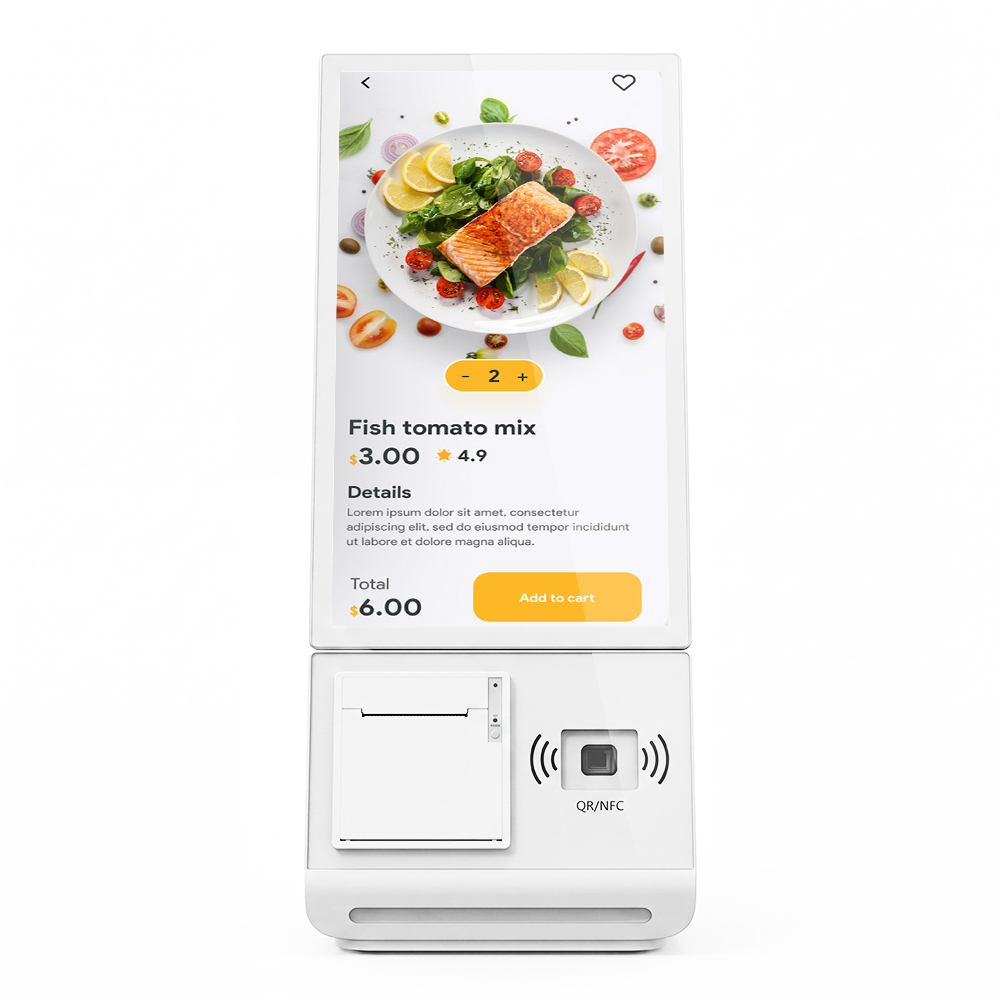
Cash-Acceptance vs Card-Only Kiosk Architecture: A Total-Ownership Spec Framework
Cash-acceptance vs card-only kiosk architecture is the choice of which payment path the terminal must physically own: card-only kiosks carry a reader, antenna and gateway link, while cash-accepting kiosks add validators, coin handling, a secure vault and a collection cycle. The decision belongs in the…
Continue reading...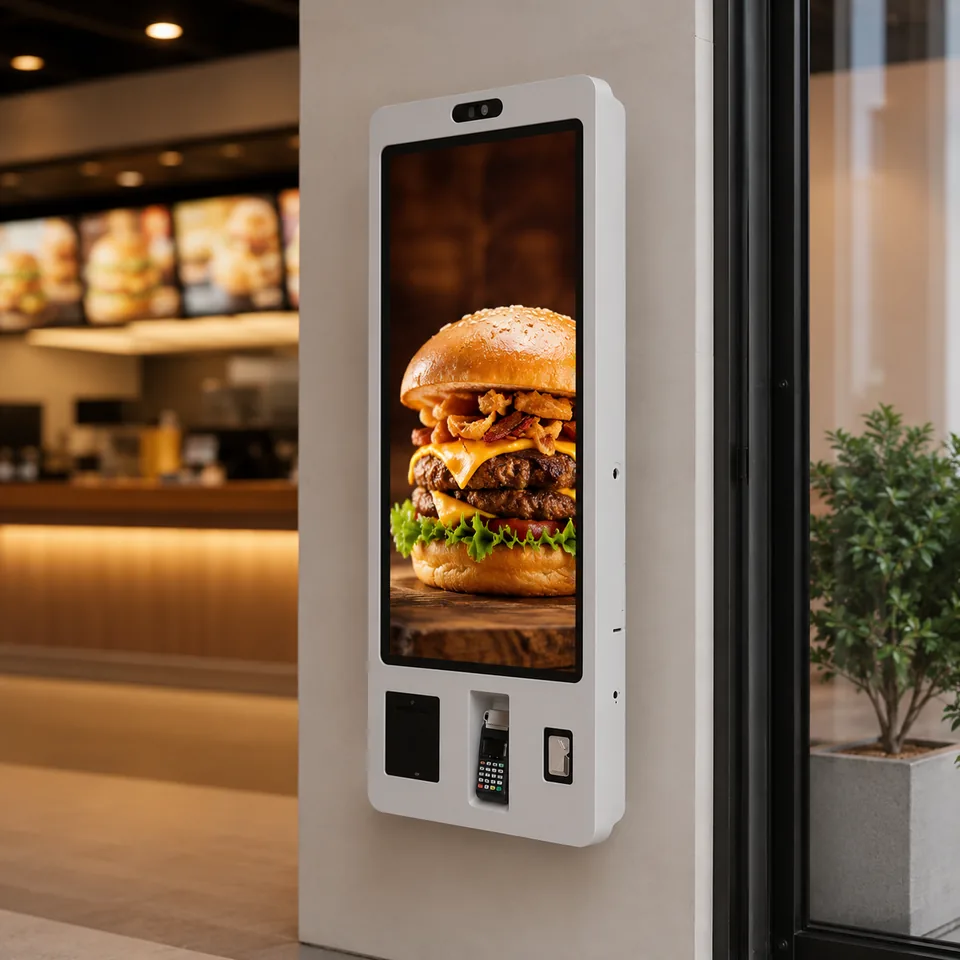
Open-Frame vs Laminated Wall-Mounted Signage for Restaurant Kiosks: A Panel-Bonding ROI Comparison
The Spec Fork Every Integrator Meets on a QSR Wall Building a restaurant wall terminal comes down to one decision: do you source an open-frame touch panel and own the enclosure, bezel, and bonding yourself, or buy a fully laminated, ultra-narrow-bezel unit delivered as a…
Continue reading...
Open Frame Panel PC Connectivity and: RS-232, USB and Power Contracts for Embedded Kiosks
Open frame panel PC connectivity and I/O planning is the highest-leverage decision you make before the compute platform is chosen, because the ports and power contract you lock into the BOM determine which peripherals can ever attach. For system integrators building self-service kiosks, the connectivity…
Continue reading...